Excellent quality Facebook advertising account
Hotline@benjamin8809
Email[email protected]
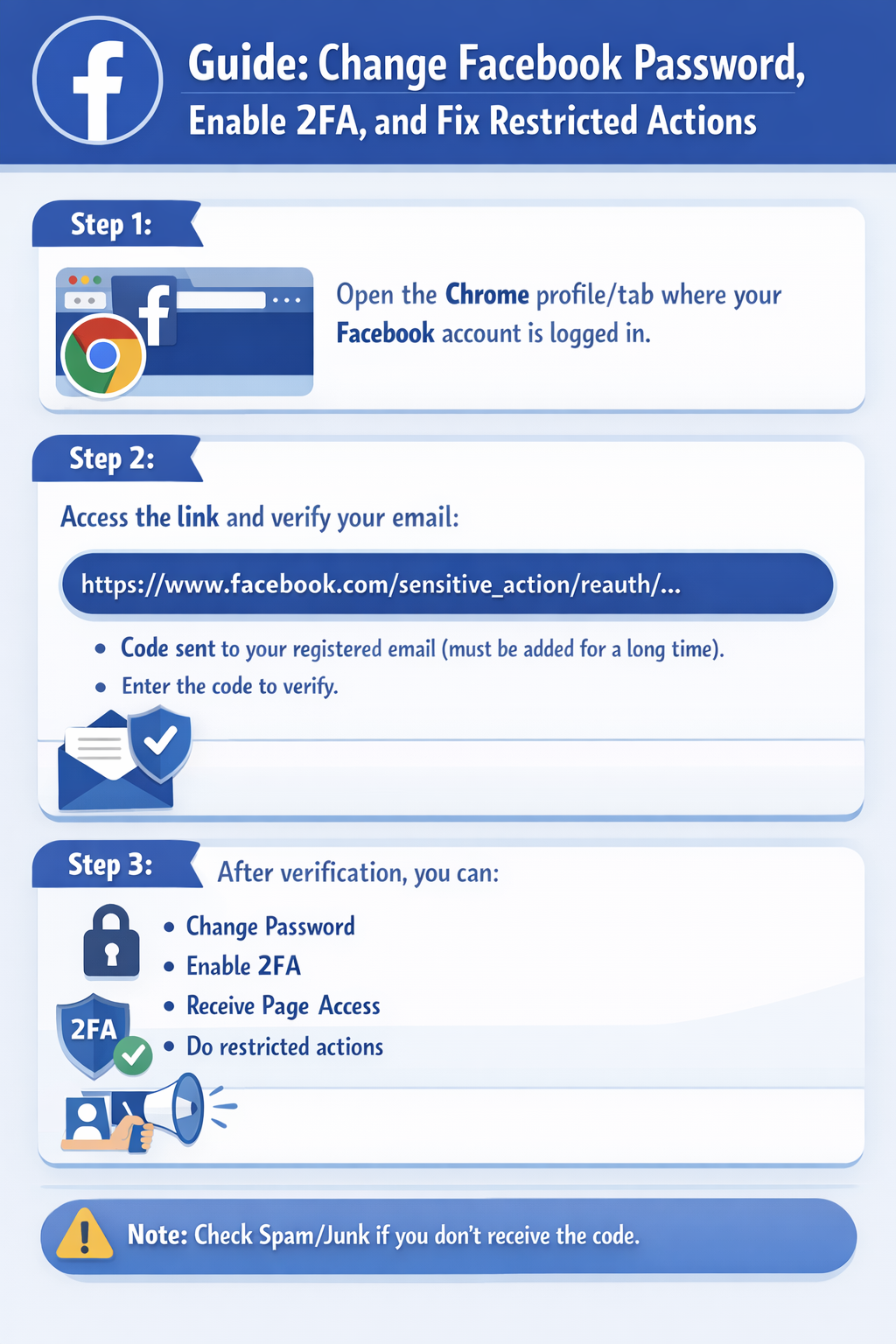
By following these steps, you can help prevent your account from being deactivated.